ID Photo Maker
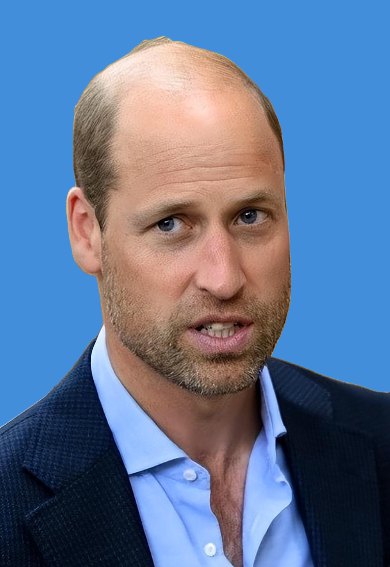
Swap the background and crop to standard ID photo sizes in seconds.
Output: 295 × 413 px at 300 dpi
Background
What you get
How it works
This utility runs locally in your browser for privacy and speed.
1 ⚡
Unlimited local toolsLog in to save and view your usage history.
My usage history
No runs recorded yet.
Frequently asked questions
- Do I get free credits to try ID Photo Maker?
- Yes — new accounts get 3 free credits to spend on any tool, ID Photo Maker included. After that you only pay for what you run.
- How many credits does ID Photo Maker cost?
- Everything runs in your browser and nothing is uploaded: free accounts pay 1 credit per run, and Pro or Pro+ members run it as often as they like.
- Which ID photo sizes are available?
- Standard 1-inch and 2-inch sizes plus visa-style sizes, cropped at 300 dpi.
- Can I change the background colour?
- Yes — pick white, blue or red, and the cut-out is placed on that colour.
- Is my photo uploaded?
- No. The cut-out and the crop run in your browser, so the photo stays on your device.
- Can I use ID Photo Maker for adult or NSFW images?
- No. Pornographic, sexual and sexually explicit material is banned on Zhankeng: such requests are refused, and an account that repeats them can be suspended. Images of minors are never accepted. See Terms of Service for the full content policy.
- Is the content I paste private?
- ID Photo Maker uses your input only to generate the result. Stored results are deleted automatically by our retention policy, and you can remove any run from your history.
- Do I need to install anything?
- No. ID Photo Maker works in any modern browser — nothing to download or install.
Related tools
Tools people usually need next, in the same workflow.
Background Remover
1 ⚡Remove image backgrounds in one click and download a transparent PNG.
Print Sheet Maker
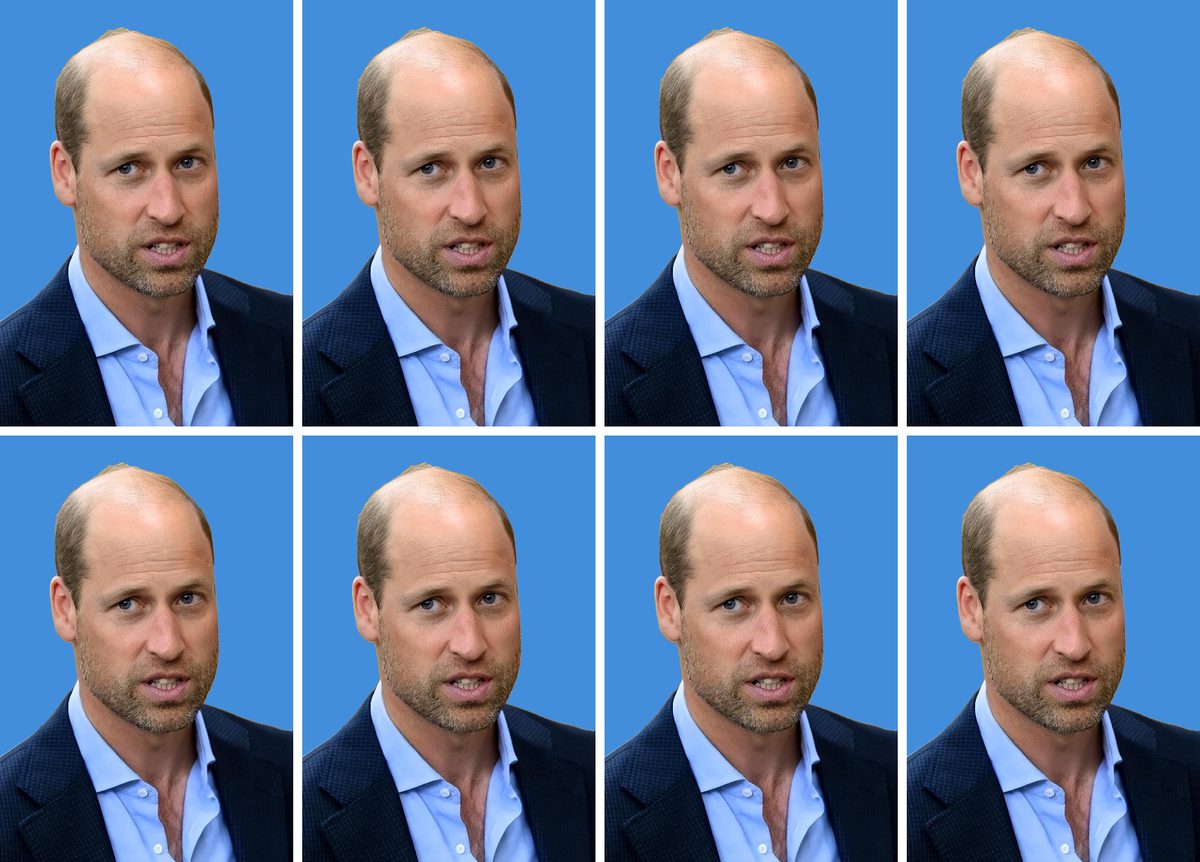
1 ⚡Fill a photo sheet with one image — passport photos on 4×6 paper or A4.
Image Resizer
1 ⚡Resize by width, height, longest edge or percent, keeping the aspect ratio.
Image Compressor
1 ⚡Shrink JPG, PNG and WebP images to a target size — right in your browser.